
Image to PDF Online Free & Fast
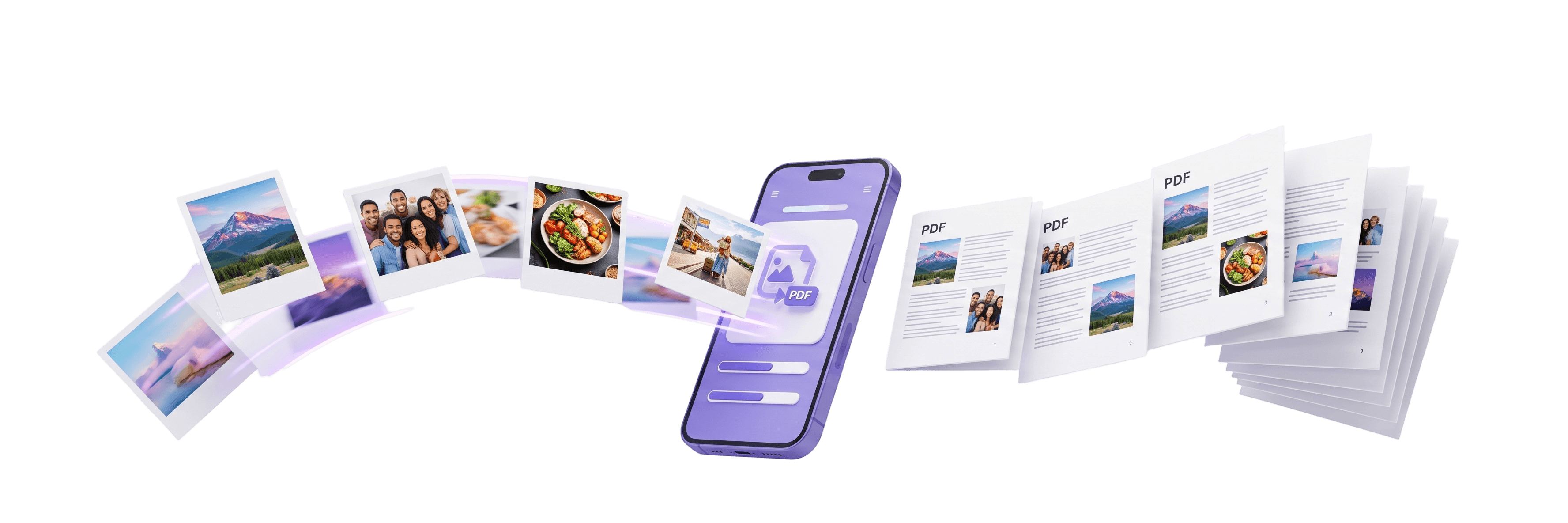
Convert JPG, PNG, and WEBP images to PDF online for free in seconds. Combine multiple photos into one document with custom page sizes, margins, and 100% browser privacy.
Upload Images
Drag and drop your images here, or click to browse.
Explore Specialized PDF Converters
JPG to PDF
Turn JPEG & JPG photos into clean, shareable PDF documents.
PNG to PDF
Preserve sharp transparency and high-resolution vector artwork.
WEBP to PDF
Convert modern web graphics and screenshots into standard PDF files.
Merge Images to PDF
Combine multi-format image bundles into a single page-ordered PDF.
The Fastest, Most Private Image to PDF Converter
Engineered with modern browser technologies so your documents are processed with maximum speed and zero cloud exposure.
100% Client-Side Privacy
Your images never touch an external server. Everything is rendered and merged directly inside your web browser memory, ensuring your sensitive receipts, contracts, and personal ID cards stay confidential.
Instant Processing
Experience instantaneous conversions powered by optimized WebAssembly routines. No waiting in slow upload queues or waiting for email delivery links.
Cross-Platform Friendly
Works seamlessly on Windows, macOS, Linux, iOS (iPhone & iPad), and Android smartphones without requiring plugins, downloads, or software installations.
Why ImageToPDF.online Outperforms Other Converters
See how our client-side, 100% free tool stands out against traditional cloud converters.
Subscription Cost
Data Security & Privacy
Watermarks
File Size Limits
Custom Page Layouts
Annoying Popups
| Feature | ImageToPDF.online | Other Online Converters |
|---|---|---|
| Subscription Cost | 100% Free Forever | ₹299/mo or $12/mo paywalls |
| Data Security & Privacy | 100% Client-Side (Zero Upload) | Uploaded to unknown cloud servers |
| Watermarks | Zero Watermarks | Forces watermark unless you pay |
| File Size Limits | Unlimited (Device Dependent) | Capped at 5MB – 10MB |
| Custom Page Layouts | A4, A3, Letter, Fit + Margins | Basic or locked behind premium |
| Annoying Popups | Zero Popups or Overlays | Intrusive fullscreen modal takeovers |
How to Convert Image to PDF Online?
Converting your photos into an organized, high-definition PDF document takes only five simple steps.
Upload Images
Drag and drop your JPG, PNG, or WEBP photos or browse from your device.
Arrange Order
Drag thumbnails to reorder pages and rotate sideways photos.
Customize Settings
Select page size (A4, Letter), orientation, and margin spacing.
Convert to PDF
Our engine compiles your photos into a crisp PDF in seconds.
Download PDF
Save your completed PDF document with zero watermarks.
Everything You Need to Know About Converting Images to PDF Online
Whether you are preparing a job application, compiling receipts for taxes, or organizing homework assignments, ImageToPDF.online makes converting photos into clean, professional PDF documents fast, private, and effortless.
Why Convert Images to PDF Online?
Raw image formats like JPG and PNG can vary in resolution, layout, and display behavior across different devices. Converting images to PDF consolidates multiple loose photos into a single, standardized, easily shareable file that opens identically on any smartphone, tablet, or desktop computer.
- Preserves original aspect ratios and sharp print resolution
- Reduces clutter by combining dozens of pictures into 1 document
- Accepted by all official email and online submission portals
100% Client-Side Privacy: Zero Cloud Uploads
Most online converters transmit your files to remote cloud servers to process them. This presents serious security risks for sensitive documents such as passport scans, driver licenses, invoices, or medical records.
ImageToPDF.online is built entirely on modern browser technologies (HTML5 Canvas and WebAssembly). Every conversion happens locally in your device memory—your personal data never travels across the internet or touches an external database.
Supported Formats: JPG, PNG, WEBP & Photos
Our converter supports seamless mixing of all popular web and camera image formats in a single batch:
Convert Photos to PDF on iPhone & Android
You do not need to install bulky third-party apps from the App Store or Google Play Store. Simply visit ImageToPDF.online in Safari, Chrome, or any mobile browser, tap to choose pictures straight from your photo gallery or camera roll, and convert them instantly on your phone.
- Works directly in mobile Safari, Chrome, Samsung Internet & Firefox
- Rotate sideways camera photos 90° with a single tap
- Instant download directly to your mobile Files or Downloads folder
Popular Real-World Use Cases
Combine pictures of handwritten notes, chalkboard sketches, and textbook diagrams into one organized homework assignment.
Merge scanned certificates, diploma photos, identity verification, and portfolio work into a single neat submission file.
Compile snapshots of paper receipts, hotel bills, and signed supplier purchase orders into a monthly PDF report for accounting.
Format utility bills, passport pictures, and signed forms into standard ISO A4 PDF documents ready for government portals.
Frequently Asked Questions
Everything you need to know about converting images to PDF online with ImageToPDF.online.